Living-Room Media Center with LibreELEC and Kodi
A silent, fast media player for your own movies, music and photos, controlled by your TV remote.
LibreELEC is a tiny operating system that boots straight into Kodi. With HDMI-CEC, your existing TV remote controls everything.
Play only media you own or that is legally licensed to you. Avoid add-ons that stream pirated content.
Video tutorial
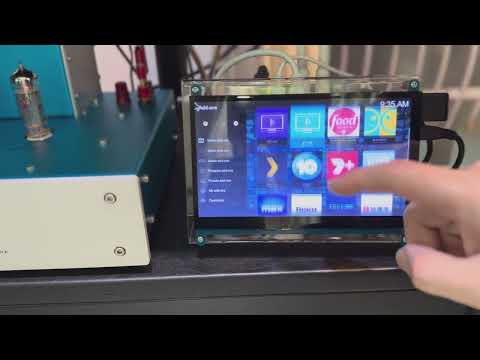
Video by DIYAudioLover, embedded from YouTube. The written steps below are our own and match the parts list.
Mission steps
Flash LibreELEC
In Raspberry Pi Imager choose Media player OS → LibreELEC for your Pi model.
First boot
Connect HDMI to the port next to power, set language, Wi-Fi and enable SSH/Samba if you want.
Add your media
Point Kodi at a USB drive or your NAS share (from the NAS guide).
Use your TV remote
HDMI-CEC usually works automatically. If not, enable CEC (Anynet+, Bravia Sync, SimpLink) in the TV menu.
Polish
Install a skin you like and enable library artwork scraping.
Questions
Will it play 4K?
A Pi 5 or Pi 4 decodes 4K HEVC in hardware. Use a fast network or a local drive for high-bitrate files.